About Liquid 2
This game's 27 levels are built to fit a quick session, not a long sit-down. Each puzzle is a single self-contained screen that resolves in a few precise tilts, so you can clear one world during a commute or just a single stage while waiting for coffee. The arrow-key rotation keeps your hands on the keyboard and your eyes on the flow—no menus, no loading between levels, just tap Space to advance when the drops hit the goal. Pick it up for one level or three; the save is automatic after every completion.
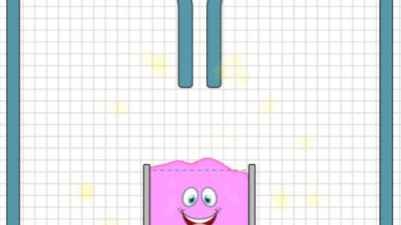
In Liquid 2, you guide water drops to the goal by rotating the entire playing field with the arrow keys. Tilt left or right to control the flow, carefully steering around traps and collecting extra drops. It’s a calm, satisfying puzzle that rewards patience and precision. With 27 levels across 3 worlds, each one feels like a tiny victory for your brain.
How to Play Liquid 2
- Press LEFT or RIGHT (or A-D) to rotate the entire playing field.
- Guide the water drops toward the goal by tilting the world.
- Steer around traps that block or redirect the flow.
- Collect extra drops floating in the level for bonus points.
- Press R to restart the current level if a drop falls into a trap.
- Press SPACE to advance to the next level once the drops reach the goal.
Tips & Strategies
- Rotate slowly to control the speed of the water drops and avoid overshooting traps.
- Memorize trap positions before releasing the drop—a quick rotation can save a run.
- Collect bonus drops only if your path to the goal is clear; they're optional.
- Use R to restart immediately after a mistake—levels are short enough to retry without penalty.
Frequently Asked Questions
What happens if a water drop touches a trap?
The drop is blocked or redirected away from the goal, forcing you to restart the level by pressing R.
Can I skip a level if I get stuck?
No, you must complete each level to advance; there is no level-select or skip option.
How do I mute the sound effects?
Press M to toggle mute on and off during any level.
Category & Tags
Game Details
- Category: Color Sort, Water Sort
- Last updated: April 26, 2026