About Organizer master
To play Organizer master efficiently, you must build a mental model of which items are buried beneath others and which slots they must eventually occupy. Tracking the spatial arrangement of 3D objects—knowing that a red block sits behind a blue cylinder, or that a star must reach the far-left box—creates a layered cognitive load. The drag-and-drop mechanic turns every move into a question of access: can you clear a path without disrupting already-sorted piles?
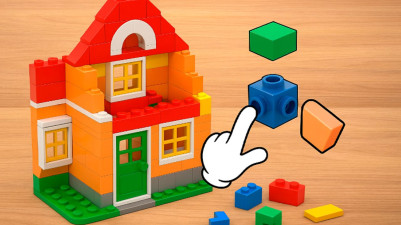
Get ready to sort, match, and fit! This charming 3D puzzle challenges you to organize objects into their perfect spots. Think strategically to pair up items and neatly arrange the right amount into each box. With beautiful graphics and clever levels that test your spatial skills, it’s a deeply satisfying brain teaser. Just drag, drop, and solve—helpful hints are there if you need a nudge. A perfect pick for anyone who loves putting things in order.
How to Play Organizer master
- Press the right mouse button or use your finger to drag and drop items to their desired locations.
- Sort items of the same type together by moving them into matching groups.
- Find matching items that need to be paired and place them accordingly.
- Fit the required quantity of items into each box as specified by the level.
- Use the hint system if you get stuck—it will guide you on what to do next.
Tips & Strategies
- Before moving an item, scan the entire scene to see which boxes need which quantities—this prevents double-handling.
- Clear surface items first to reveal hidden objects, then reassess the layout before dragging anything into a box.
- Use hints sparingly; the first hint often shows a single correct placement that can cascade into several solutions.
Frequently Asked Questions
What happens if I drag an item to the wrong box?
The game does not penalize wrong moves; you can freely drag an item back out and try a different spot. The hint system remains available to steer you if you get stuck.
How do I know how many items each box needs?
Each box displays a required quantity visually—either on the box itself or in the level instructions. You must count the items as you sort to match that number exactly.
Can I sort items by dragging them in mid-air, or must they land in a box?
Items can be dragged anywhere on the play area; they are not forced into a box. You can temporarily place items on empty space to rearrange, then drop them into the correct box later.
Category & Tags
Game Details
- Category: Color Sort, Object Sort
- Last updated: April 14, 2026